Why UI Frameworks are Worth the Pain
08 Oct 2026Learning a New Language
Going into web development, HTML and CSS seem pretty straightforward. HTML handles the structure, CSS handles design however when a UI framework such as Bootstrap 5 can convolute what was once a clear picture of everything. You go from simple easy to understand HTML tags and styles in your standalone stylesheet to having to memorize many different utility classes like “d-flex”, “flex-nowrap”, “justify-content-between”, etc. It seems like having to learn a new programming language. You may question the point of having to add a large framework on top of CSS if you can just write it all from scratch. When you try to build something to look professional and something that retains a professional look in whatever apparatus it’s contained in whether it be a phone, tablet, or laptop etc the importance of a UI framework like Bootstrap 5 becomes readily apparent.
Take this website I replicated as an example. 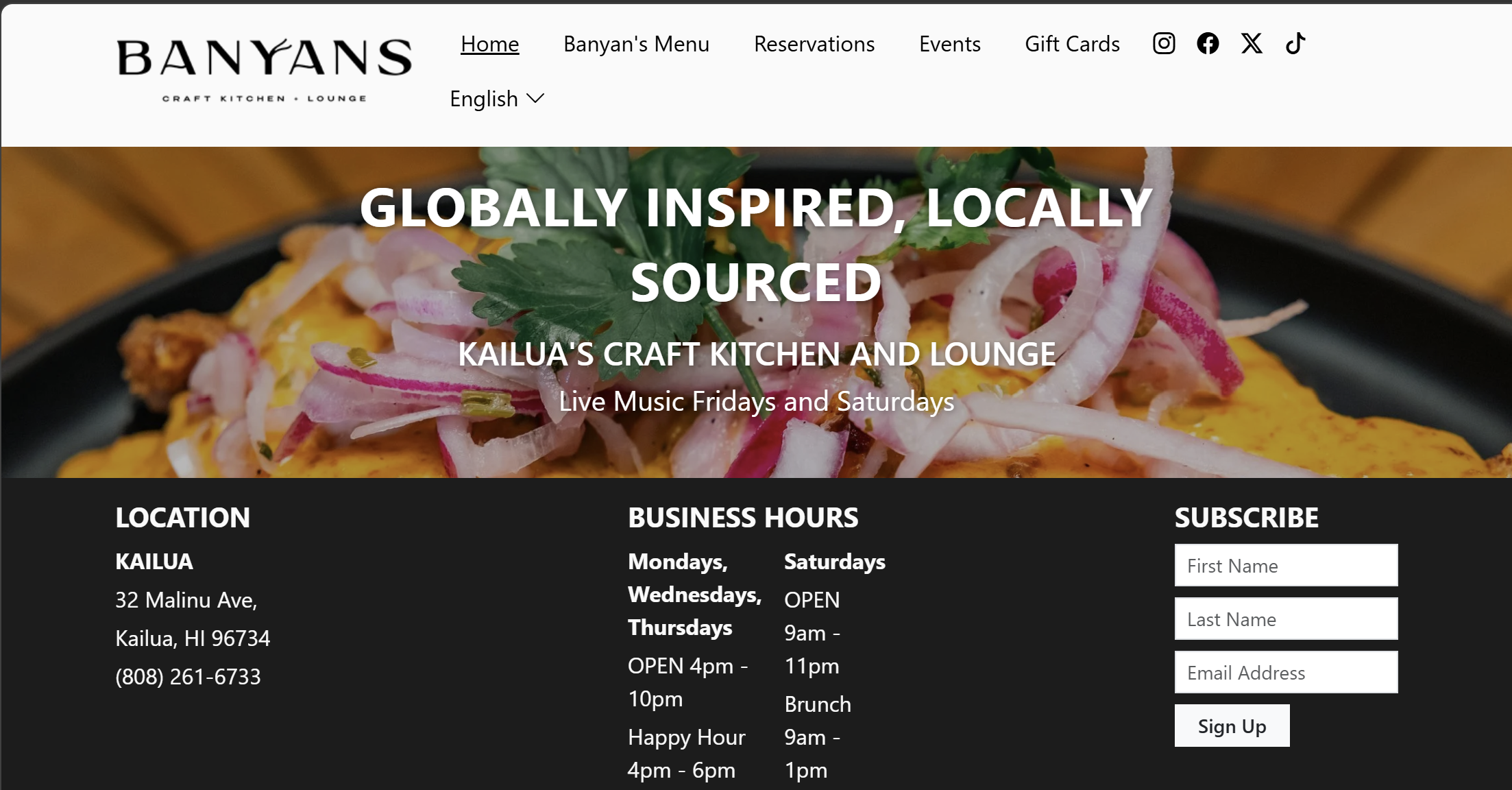
Plain CSS vs. Bootstrap 5 utility
Just recently I have worked through an assignment to build five distinct professional navigation bars that were inspirations from popular Hawaii establishments such as Aloha Beer, Duke’s Waikiki, and Morning Brew. It would have taken an eternity to raw build the headers with CSS. Media queries, browser-specific nuances, percentage width calculations, etc would have taken hours upon hours. CSS gives you freedom but it comes with a cost in that you are responsible for building every single component from the ground up. Adding Bootstrap 5 into the mix, you have a full system of design at your disposal. For example, when I constructed the Duke’s Waikiki navbar, to have the brand logo pinned to the left side and six separate links spaced evenly on the right side only took a few declarations.
<nav class="navbar navbar-expand-lg py-3">
  <div class="container d-flex justify-content-between align-items-center flex-nowrap">
    <!-- Brand / Logo on Left -->
    <ul class="nav justify-content-start align-items-center">...</ul>
    <!-- Navigation Links on Right -->
    <ul class="nav justify-content-end align-items-center flex-nowrap dukes-nav">...</ul>
  </div>
</nav>
Instead of writing 30 lines of boilerplate in an external CSS file, Bootstrap allowed me to declare layout behavior directly inside the markup. When items unexpectedly wrapped onto a second line on narrower viewports, utility classes like flex-nowrap paired with scoped custom padding solved the problem immediately.
Reflection
Bootstrap 5 is not simple. Memorizing class names and component structures can be frustrating at first. But it’s an investment. An investment that makes your life a million times easier as a web developer.